


Explore student projects
Student teams are fundraising for projects they’re passionate about this month—from creating adaptive toys for kids to building autonomous sailboats.
See all crowdfunding projects1. Download the PDF attachment
2. Open with Adobe Acrobat
3. Click "Edit" in the menu bar on the menu bar. Edit > Edit Text & Images.
4. Hover over the text and click where you would like to make adjustments, the text font should automatically adjust.
5. If you are a formalized Cornell club for example, please use “Cornell Club of Ireland”. If you are not a formalized club for example, please use “Cornellians in Vietnam”
6. File > Save As > Format > JPEG. This will save both files as images able to be used as the Zoom background.
7. Open Zoom, click "zoom.us" in the menu bar. zoom.us > Preferences > Background & Filters
8. Click the + icon on the right and select "Add image"
9. Select JPEG of the zoom background of choice.
10. Be sure to unselect "Mirror my image"
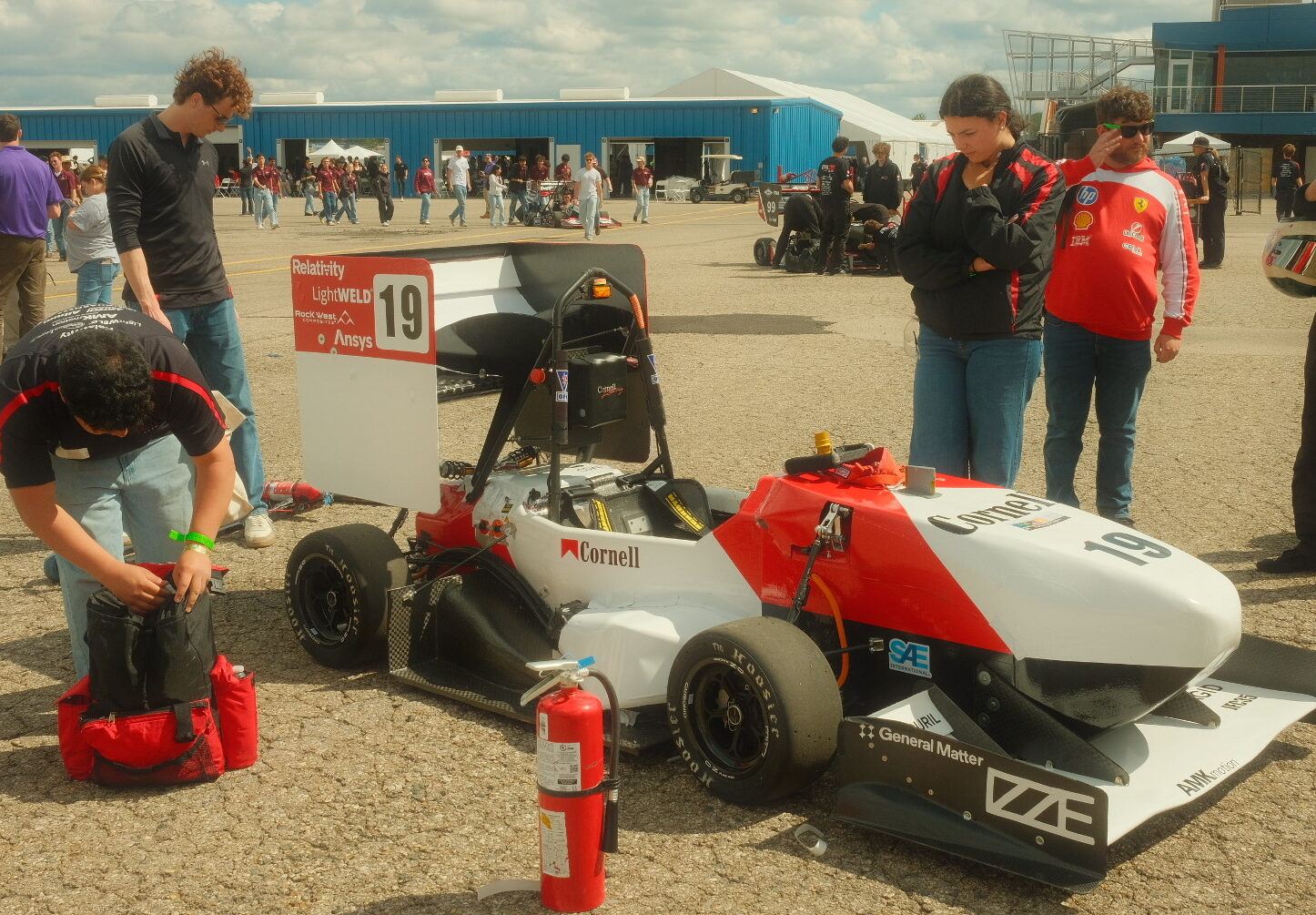
Student teams are fundraising for projects they’re passionate about this month—from creating adaptive toys for kids to building autonomous sailboats.
See all crowdfunding projects Division of Alumni Affairs and Development
Ithaca, NY